Specifying Office Storage with BIM: A Guide for Architects and Interior Designers
How architects and interior designers can specify Bosco office storage accurately: configure the product, see the price and download the BIM file.
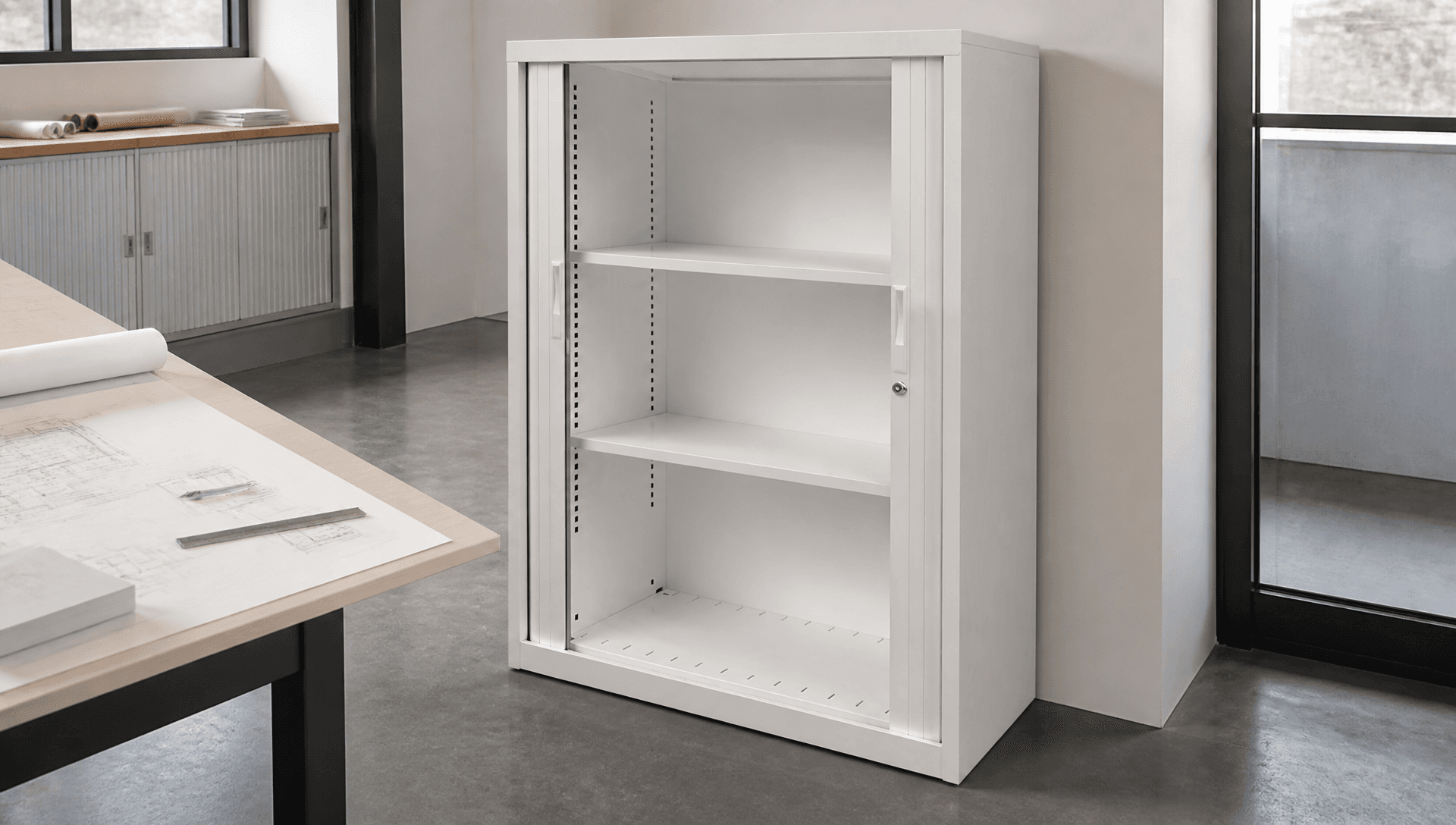
Storage is one of the most repetitive items on a workplace furniture schedule and one of the most common sources of late changes. A tambour run that's 100 mm too long for the alcove, a filing cabinet that doesn't suit the client's file format, or a colour that doesn't match the finishes board can all trigger variations late in a project.
The simplest way to avoid that is to specify the exact product, at the exact size, in the model, from the start.
Why storage causes late changes
Generic storage blocks in a model look fine until the real product is chosen. Then sizes change, door swings or receding doors behave differently, and the client sees a price that wasn't in the budget. Every one of those changes costs design time.
Configure it and download the BIM file
The OPIE configurator lets you configure Bosco products to the dimensions and options you need, see the price as you go, and download the BIM file for your model. You can also export a PDF specification and quote document in one click, which is useful for client sign-off and cost planning.
Set the size and options, see the price, then drop the BIM file straight into your model.
What the configurator covers
The Bosco configurator includes:
- Squadron tambour door cabinets
- Centurion tambour cabinets
- Squadron lineal filing cabinets
- Squadron bookcases
- Squadron planter boxes
- Enyo vertical pedestals
- Plan cabinets (6 or 10 drawer)
- B & C Class security file drawer cabinets
For anything outside the range, Bosco's bespoke storage service starts with 3D computer modelling, then a prototype, before full production.
Details to settle at design stage
Door type. Tambour doors recede into the carcass, keeping aisles clear. Hinged doors suit cupboards. Open bookcases suit libraries and studios.
Filing format. Squadron lineal drawers take two rows of foolscap, front-to-back or left-to-right. Confirm which the client uses.
Alignment. Squadron modules are designed to line up. The planter box, for example, is sized to line up with the Squadron tambour range for a consistent cabinet-height look.
Locking. Centurion offers a standard key lock, 3-point locking or electronic lock options. The Enyo pedestal has a 2-point recessed removable lock.
Colour and finish. Bosco offers multiple powder-coat colours, anodised options on Centurion slats, and custom colour matching on the Squadron bookcase.
Security classification. If classified material is stored, specify SCEC B Class or C Class cabinets. Government endorsement is required to purchase them.
From model to order
- Configure each product and place the BIM files.
- Issue the PDF specification with the documentation.
- The client or contractor orders against the quote.
- Bosco manufactures to order in Australia, under ISO 9001:2015.
- Every product carries a 5-year manufacturer's warranty.
Working with the client and contractor
The configurator helps beyond the design team:
- Clients see the real price early, so storage stays in the budget instead of being value-engineered out later.
- Cost planners get a PDF specification and quote they can rely on.
- Fit-out contractors and dealers can log in for distributor pricing and order against the same specification.
- Facilities teams get a clear record of what was installed, which makes matching additions easy.
A specification checklist
- Product, size and quantity for each run
- Door type and locking
- Filing format and internal accessories
- Colour and finish
- Security classification, if any
- BIM file placed and PDF specification issued
- Lead time confirmed for the program
Frequently asked questions
Do I need an account to use the configurator? The configurator shows live pricing to everyone. Trade accounts can log in to see distributor pricing.
Can I request finish samples? Yes. Contact the Bosco team to request samples.
What sustainability documentation is available? Ask our team about current documentation for your project. We'll only provide certifications that are current.
Specifying a workplace? Configure it and download the BIM file.
